Your keyboard,
in time with the music.
A menu-bar app that flashes a MacBook's keyboard backlight to whatever is playing, as you type, and when a notification arrives.
Apple Silicon MacBook · macOS 13 or later · MIT licence
Turn the sound on. No video? See the GIF.
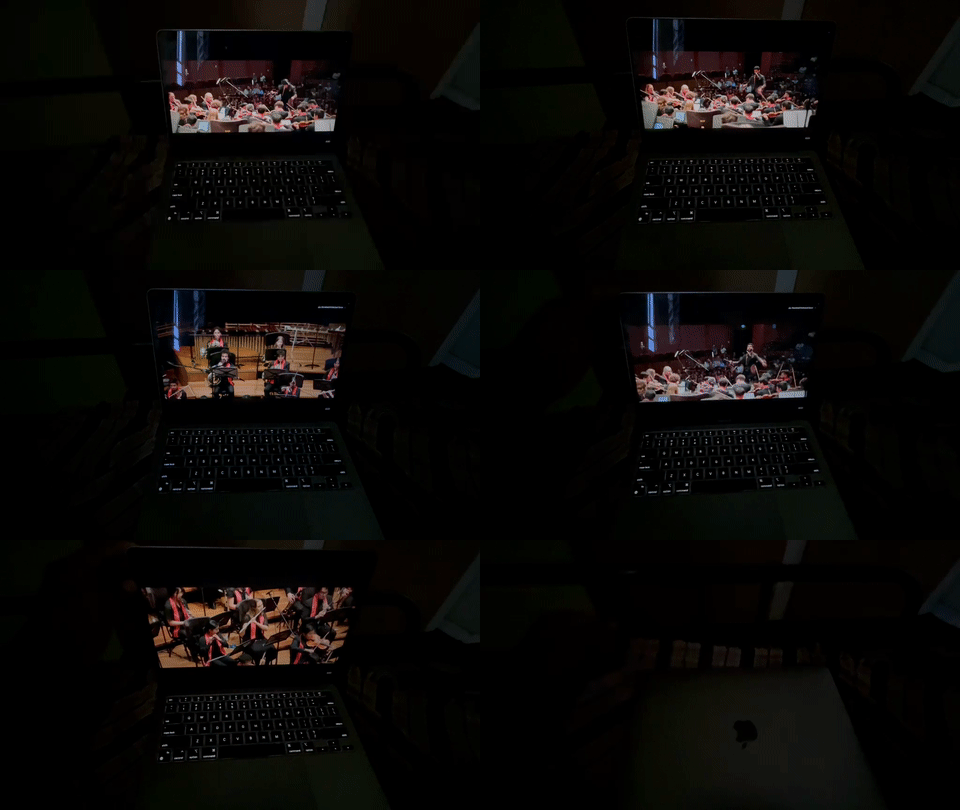
How it works
It listens to your Mac's own audio through ScreenCaptureKit, picks out the kick and the snare, and drives the keyboard LEDs through a private Apple framework. No hardware changes, no extra drivers.
What you can set
- Three modesFollow both kick and snare, bass only, or snare only.
- Bluetooth delayShift the lights to match speakers that lag behind. The default is 120 ms.
- Brightness limitCap it at 100%, 75% or 50%. Lower makes the flashes feel snappier.
- Typing PulseThe keyboard stays dark and lights up as you type, then fades out when you stop.
- Notification FlashThree blinks when a notification banner appears.
- Start and stopEverything lives in one menu-bar icon.
- Cleans up after itselfIt takes over the backlight while running and hands it back when you quit.
- Open sourceOne Swift file. Read exactly what it does.
Install
- Download KeyboardStrobe.zip, unzip it and drag the app to Applications.
- The first time, macOS blocks it because the app is not notarised by Apple. Open System Settings → Privacy & Security and click Open Anyway.
- Allow Screen & System Audio Recording for Keyboard Strobe when macOS asks. It needs that to hear what is playing.
- For Typing Pulse, allow Input Monitoring as well. The app learns only that a key was pressed, never which key.
It works best in a dim room: macOS switches the keyboard backlight off in bright light. In System Settings → Keyboard, turn off "Adjust keyboard brightness in low light" and set the backlight to never turn off.